Licenses
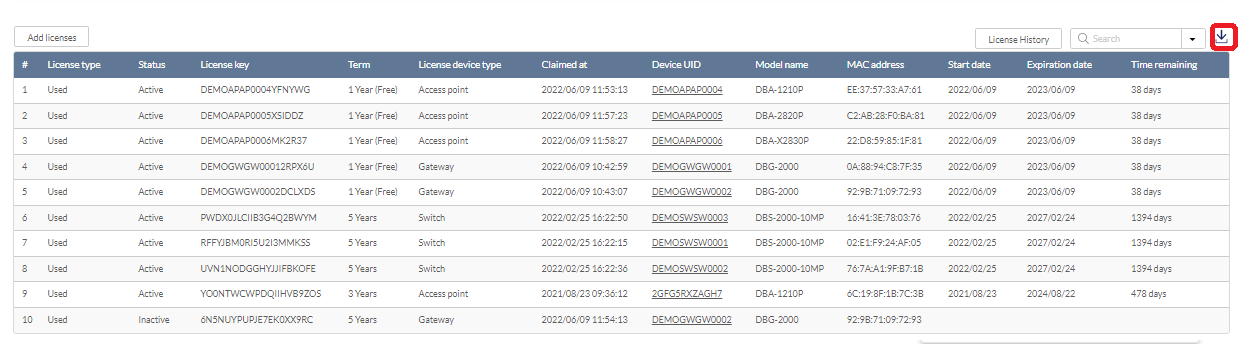
The license report page lists registered devices and their active license information; to obtain information about unregistered devices (i.e. devices without Site and Profile assignment) or devices with expired licenses, go to Settings > Inventory and select the Devices tab. Furthermore, you can perform license assignment on the Inventory page.

Note: The Licenses Report page is only available to users with the organization-level access privilege.
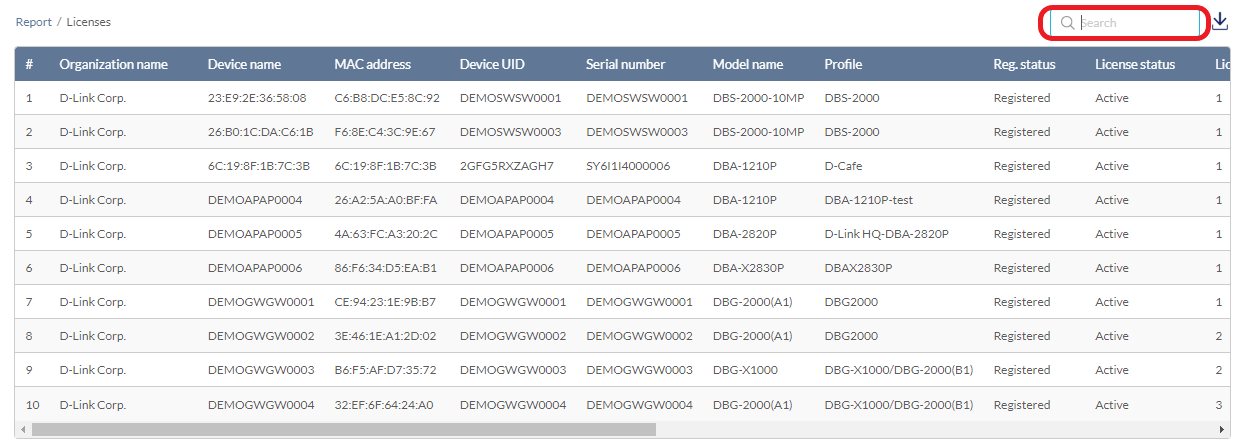
The Licenses page displays the following:
|
Organization Name |
The organization name to which the license belongs. |
|
Device Name |
The device name that the license has been registered to. |
| MAC Address | The MAC address of the device. |
| Device UID | The device's UID. |
| Serial Number | The device's serial number. |
| Model Name | The model name of the device. |
| Profile | The profile that has been assigned to the device. |
| Reg. Status | The registration status of the device. |
| License Status | The status of the device's license. It will display active as long as the device has one active license. |
| License Quantity | The number of licenses that have been assigned to the device. |
| License Keys | The keys of the licenses. |
| Activation Date | The date that the license activates or the license period starts. |
| Expiration Date | The date that the license expires (after adding up all the license terms). |
| Last Online on | The last time that the device was detected online. |
| Firmware | The firmware version of the device. |
Filtering License Logs
- Navigate to Reports > Licenses.
- Use the search bar in the top-right to enter a keyword to filter all the fields.
Downloading License Logs
- Navigate to Reports > Licenses.
- From the license log list, click the Download icon in the top-right.