How do I cancel my subscription or Premium Free Trial plan? (for Android users)
If you cancel a subscription, you will also be turning off the auto-renew function so that you won’t be charged when the subscription expires. If you subscribe to a paid plan on your Android device, please follow the steps below.
- Go to Google Play.
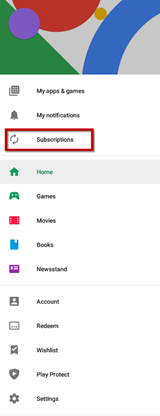
- Tap the Menu icon.

- Tap Subscriptions.
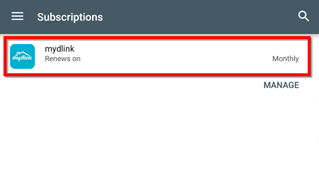
- Tap the mydlink subscription.
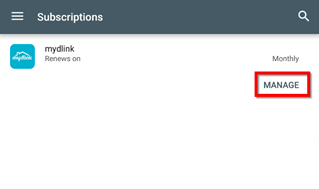
- Tap MANAGE.
- Tap Cancel subscription.
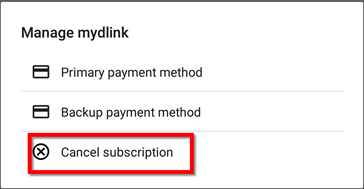
- You’ve successfully cancelled your mydlink cloud recording subscription.