What is the maximum number of associated mobile devices for Geofencing?
You can have up to four mobile devices associated with Geofencing. Should you reach the maximum number of devices, you can remove devices that you do not use anymore from the associated devices list. To manage associated devices, please follow the steps below:
- Launch the mydlink app and log in with your mydlink account and password.
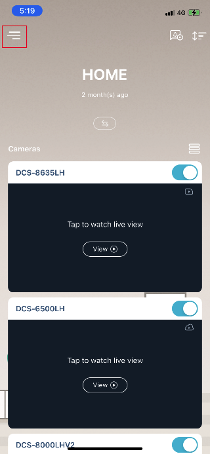
- Tap Menu.
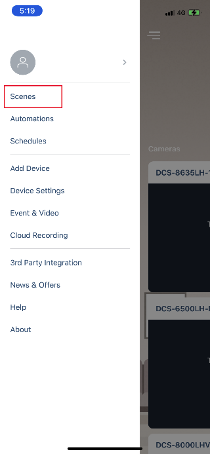
- Tap Scenes.
- Tap Geofencing.
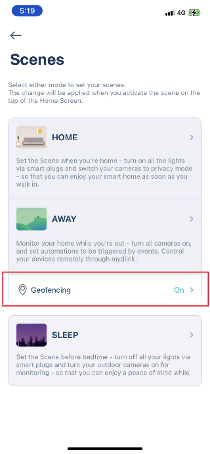
- Tap Manage.
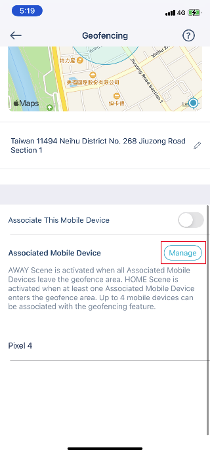
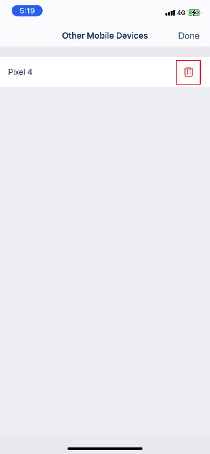
- Tap the
 icon to remove other mobile devices.