How do I watch cloud recorded videos?
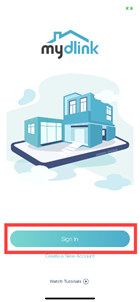
- Launch the mydlink app. Then tap Sign In.
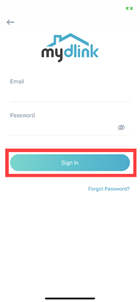
- To log in to your account, enter your account and password. Then, tap Sign In to continue.
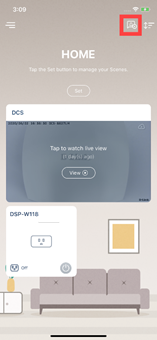
- Tap the
 icon.
icon.
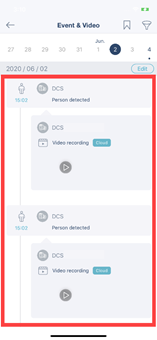
- Select a date. By default, it shows the current day’s events and videos.
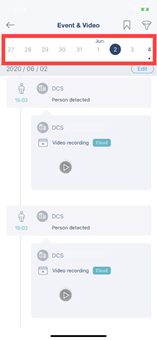
- Then, tap the video you want to view.